Smart Automation for Massage Chair Management
Briki is a web-based automation solution designed to manage and control massage chair operations efficiently through digital monitoring and automation technology.
- Simplified automation control
- Better operational monitoring
- Improved customer experience
- Reduced manual intervention
The Platform
Massage chair operations, automated and monitored.
Briki brings all your device management workflows into one platform — from real-time monitoring to automated session control. Operators stay in control, customers get a seamless experience, and nothing runs unattended.
- Simplified automation control
- Better operational monitoring
- Improved customer experience
- Reduced manual intervention
Features
Six features. One seamless automation platform.
Device Monitoring
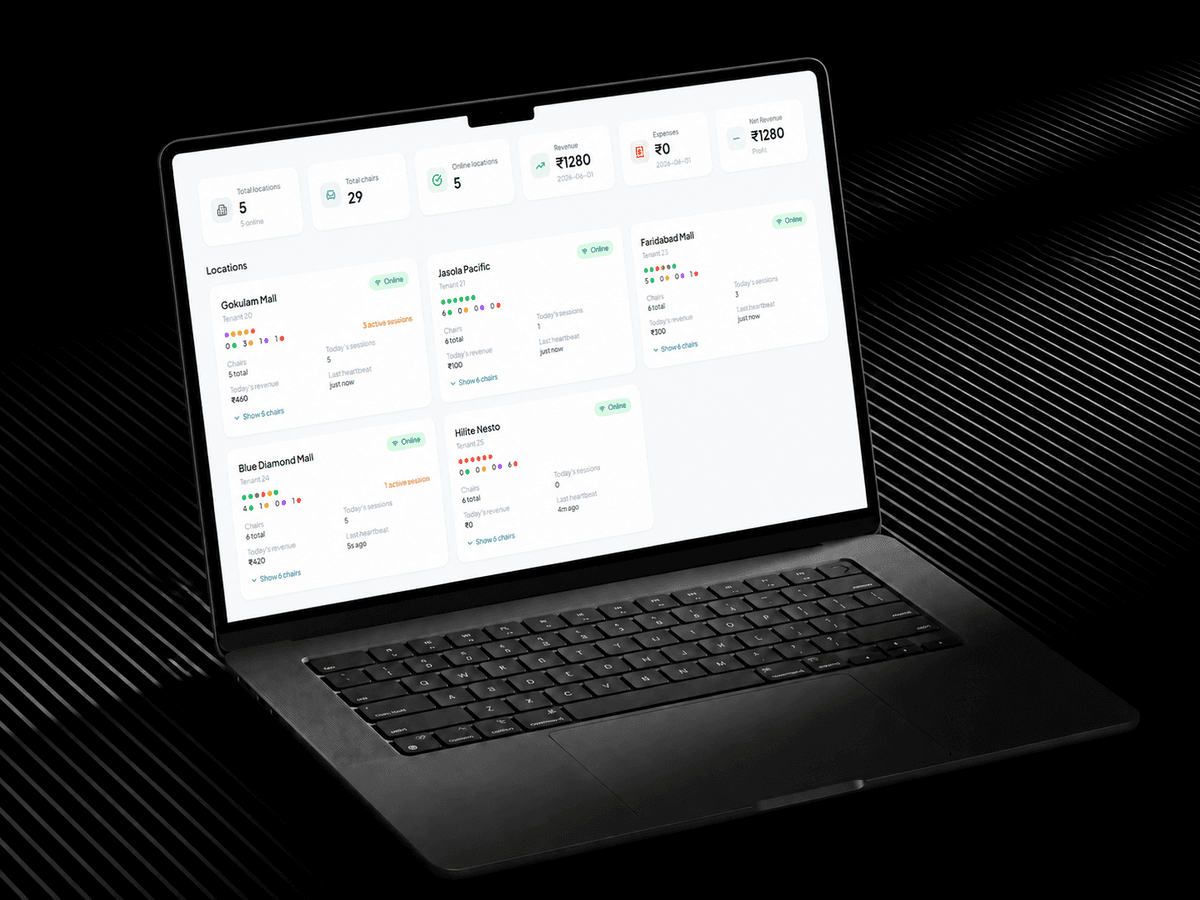
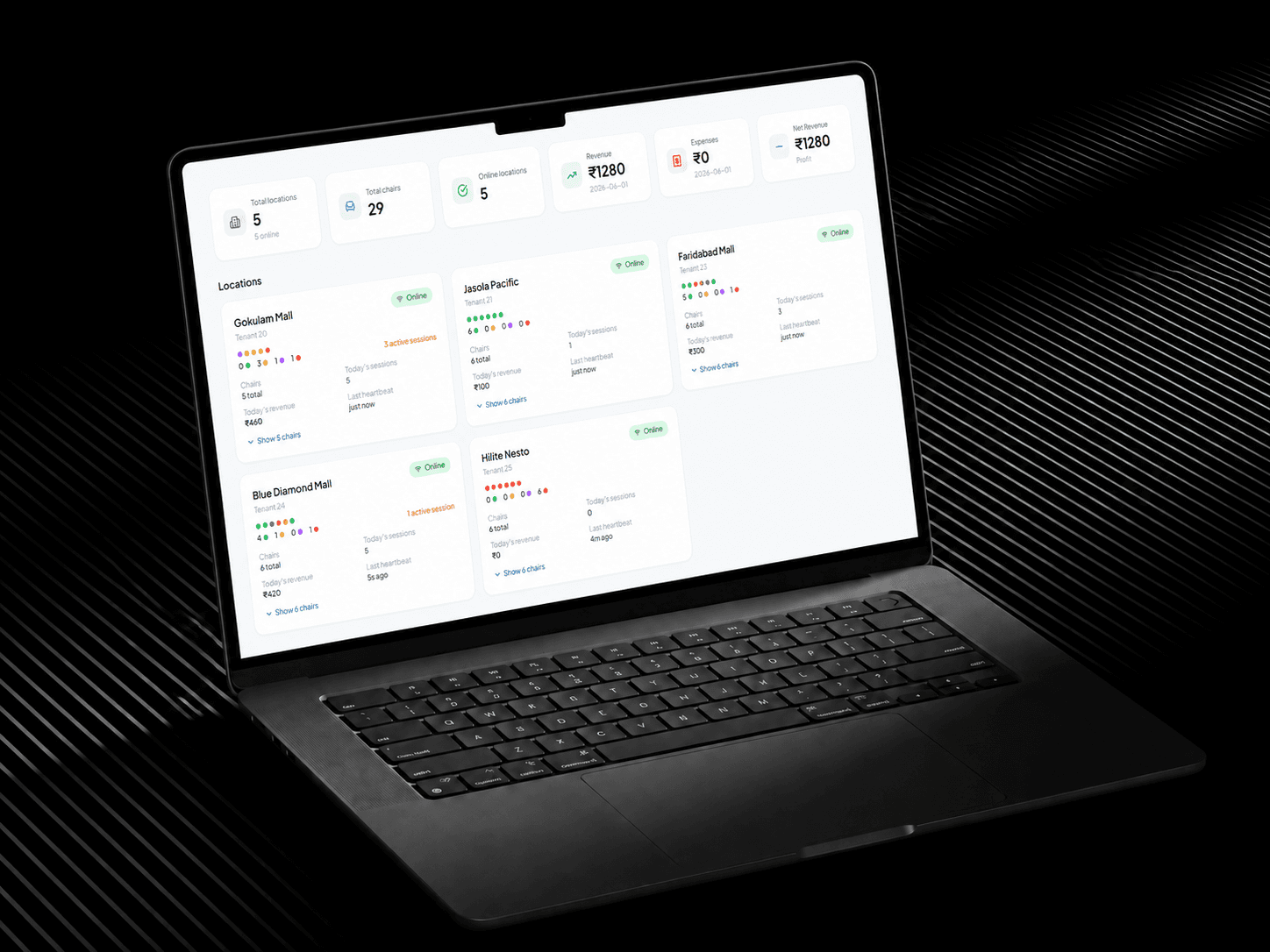
Track every massage chair in real time — view device status, connectivity, and operational health from a single centralized dashboard.
Usage Tracking
Monitor session durations, usage frequency, and chair utilization patterns to optimize operations and plan maintenance effectively.
Automated Operations
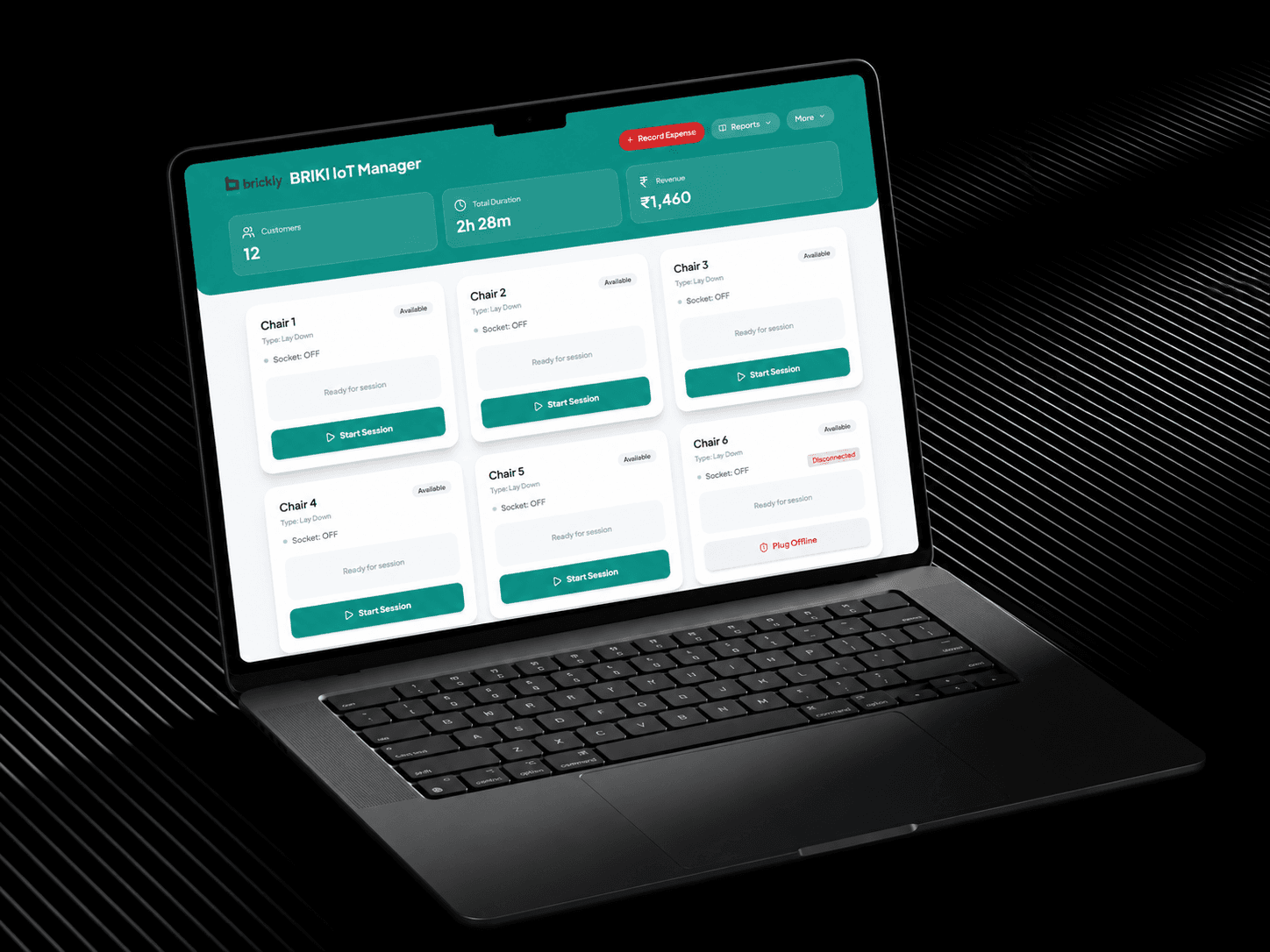
Set automation rules for session start, stop, and timeout — reducing manual intervention and ensuring consistent service delivery.
Access Management
Control who can operate and configure devices with role-based access — keeping your system secure and your team accountable.
Real-Time Status Monitoring
Get live updates on device availability, active sessions, and alerts — so you can respond immediately to any operational issue.
Cloud-Based Management
Manage all your massage chair devices remotely from any browser — no on-premise software required, always up to date.
How it works
From setup to fully automated operations.
Connect your devices
Link your massage chairs to the Briki platform. Configure device settings, usage limits, and automation rules to match exactly how your business operates.
Monitor in real time
Track device status, active sessions, and operational metrics live — giving you full visibility over every chair and instant alerts when action is needed.
Automate and manage
Set automated triggers for sessions and access, generate usage reports, and manage your entire operation remotely — reducing manual work at every step.
Get Started
Ready to automate your massage chair operations?
Join businesses already using Briki to monitor devices, automate sessions, and deliver a seamless customer experience.